taDone
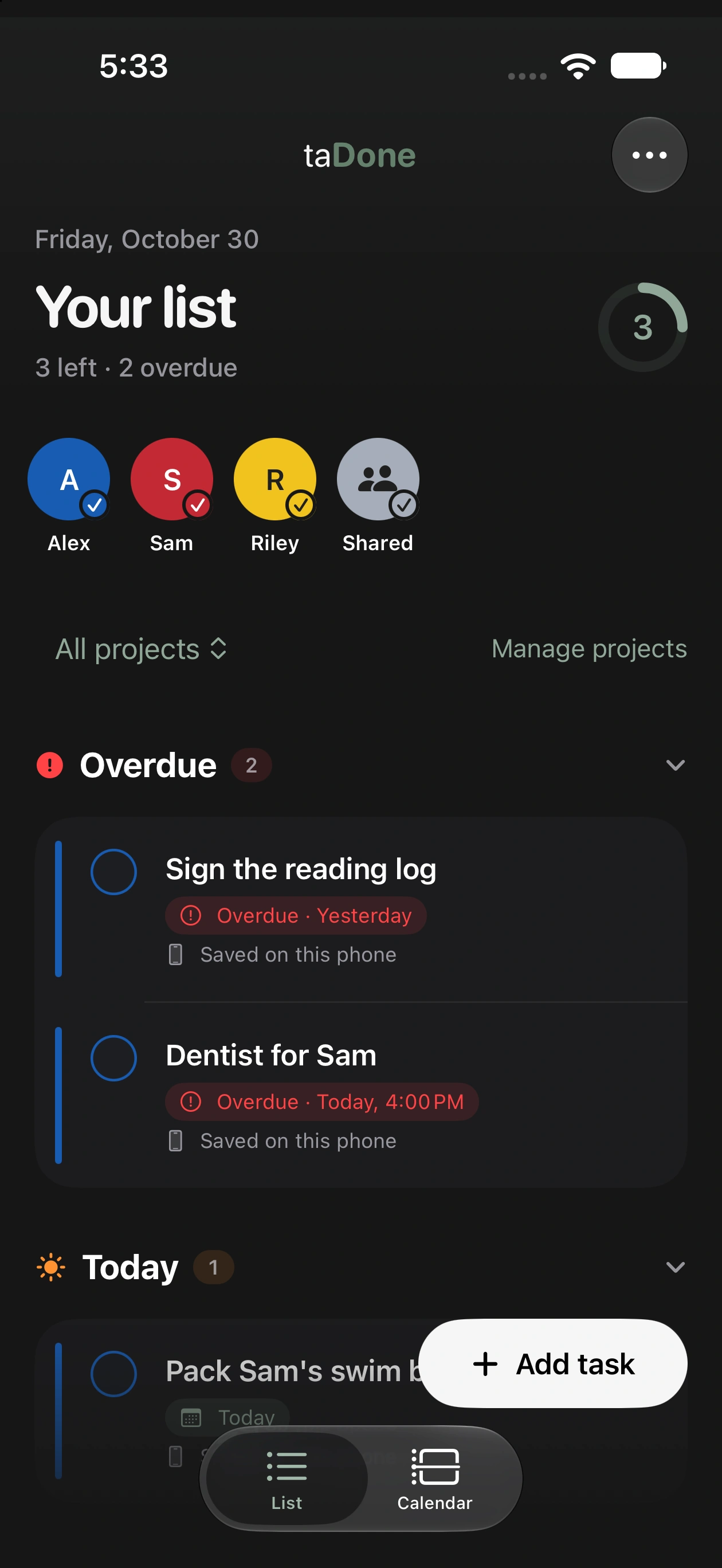
taDone is a task app for families who share a week across two homes. Both parents see the children's tasks, and the parenting schedule decides whose phone gets the reminder.
- My role
- Independent developer
- Status
- Private family app · TestFlight beta · private repository
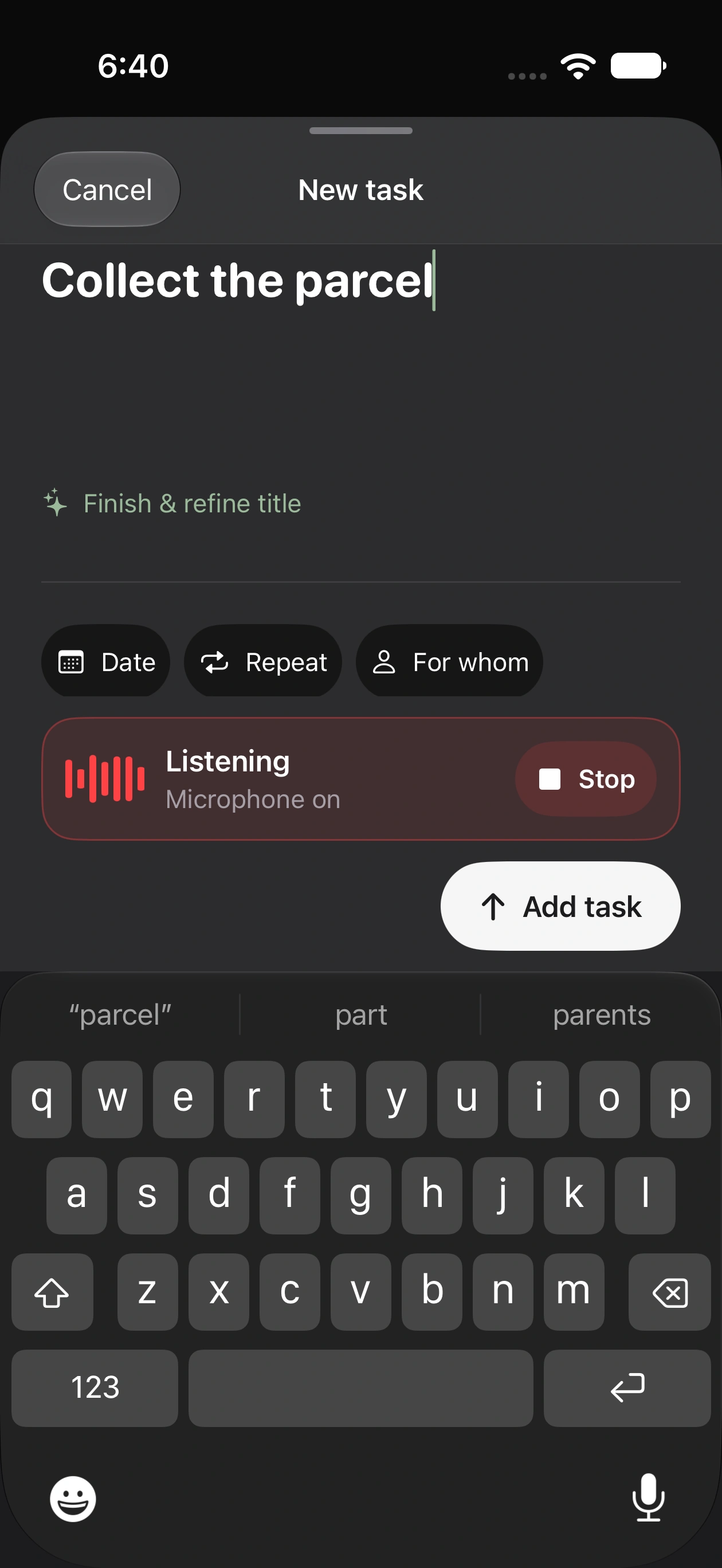
I built taDone because a general task app has no idea whose week it is. Capture is as quick as any list app: say or type the task and it lands with a date and a person. A child's tasks stay on both parents' lists, so the reading log gets signed whichever house it is in.
Inside the app
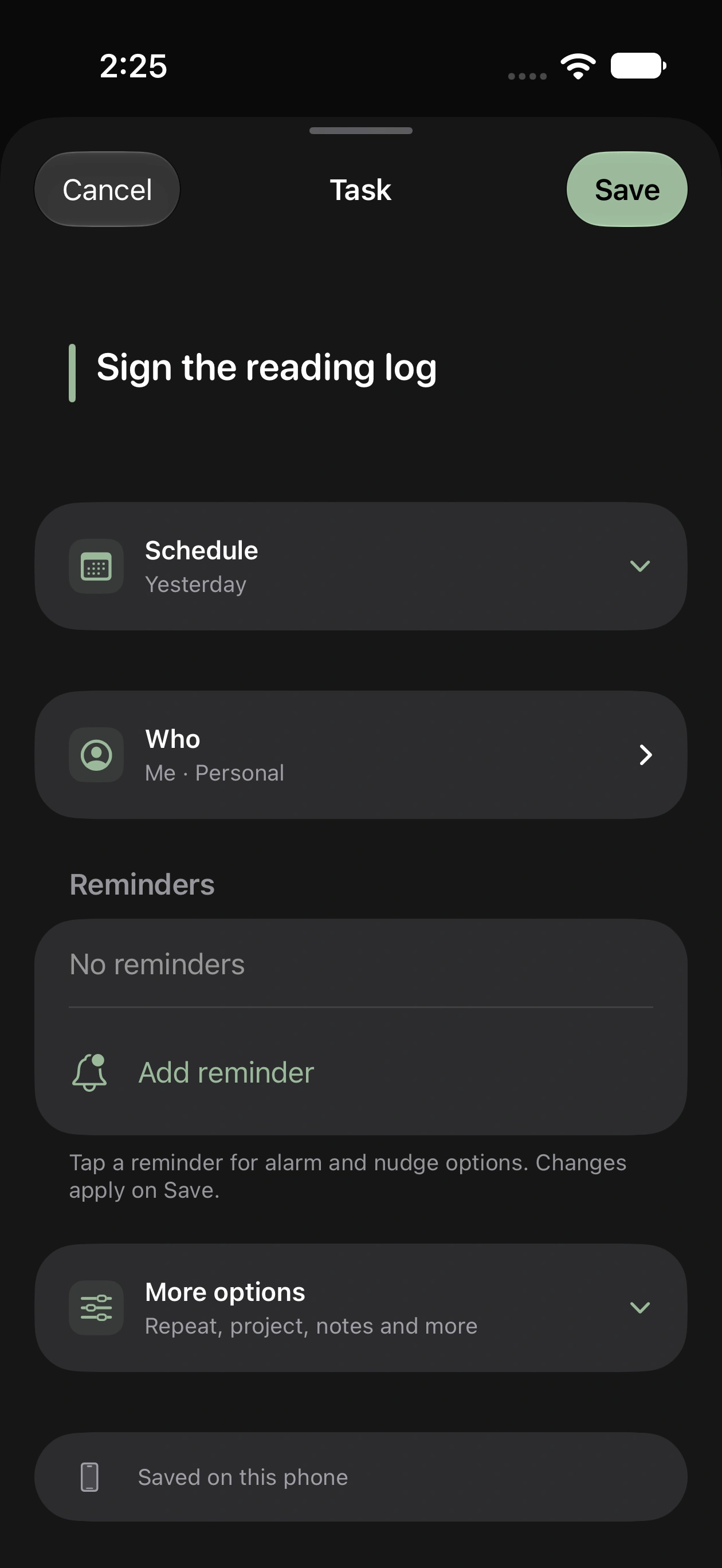
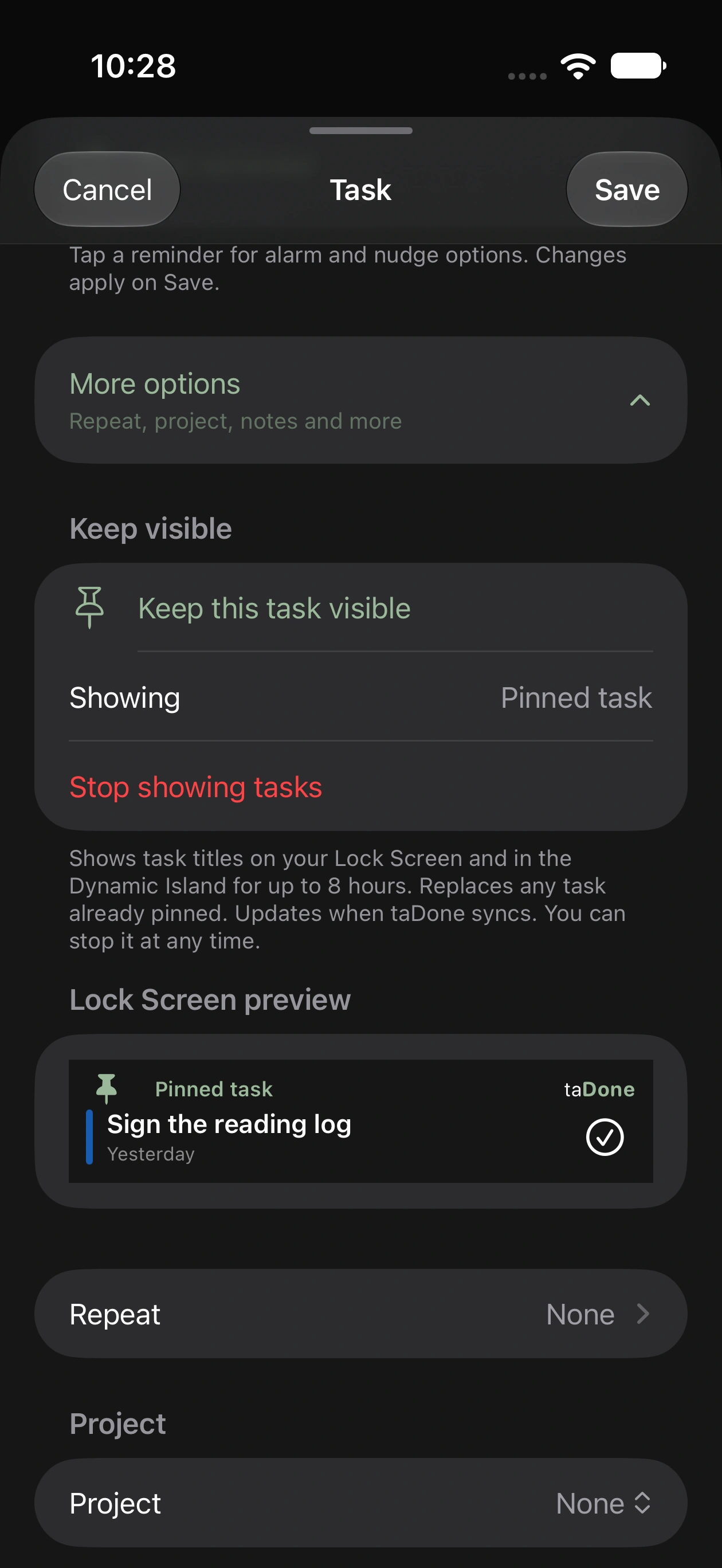
Design-preview screens from the iPhone app, with invented names, tasks and school messages. Select an image to view it full size.
A week in two homes
- 01
Set up the family
Add the parents, the homes and each child, then set the parenting schedule once. Exceptions cover the weeks that differ.
- 02
Capture in a breath
Type, dictate or ask Siri. A Home Screen widget, a shortcut and the app icon all open the same composer.
- 03
The right phone rings
A child's tasks stay visible to both parents. Their reminders go to the parent the child is with that week.
- 04
Children check things off
Children get their own simple view of today, what is coming and what is done. They can complete tasks and add their own.
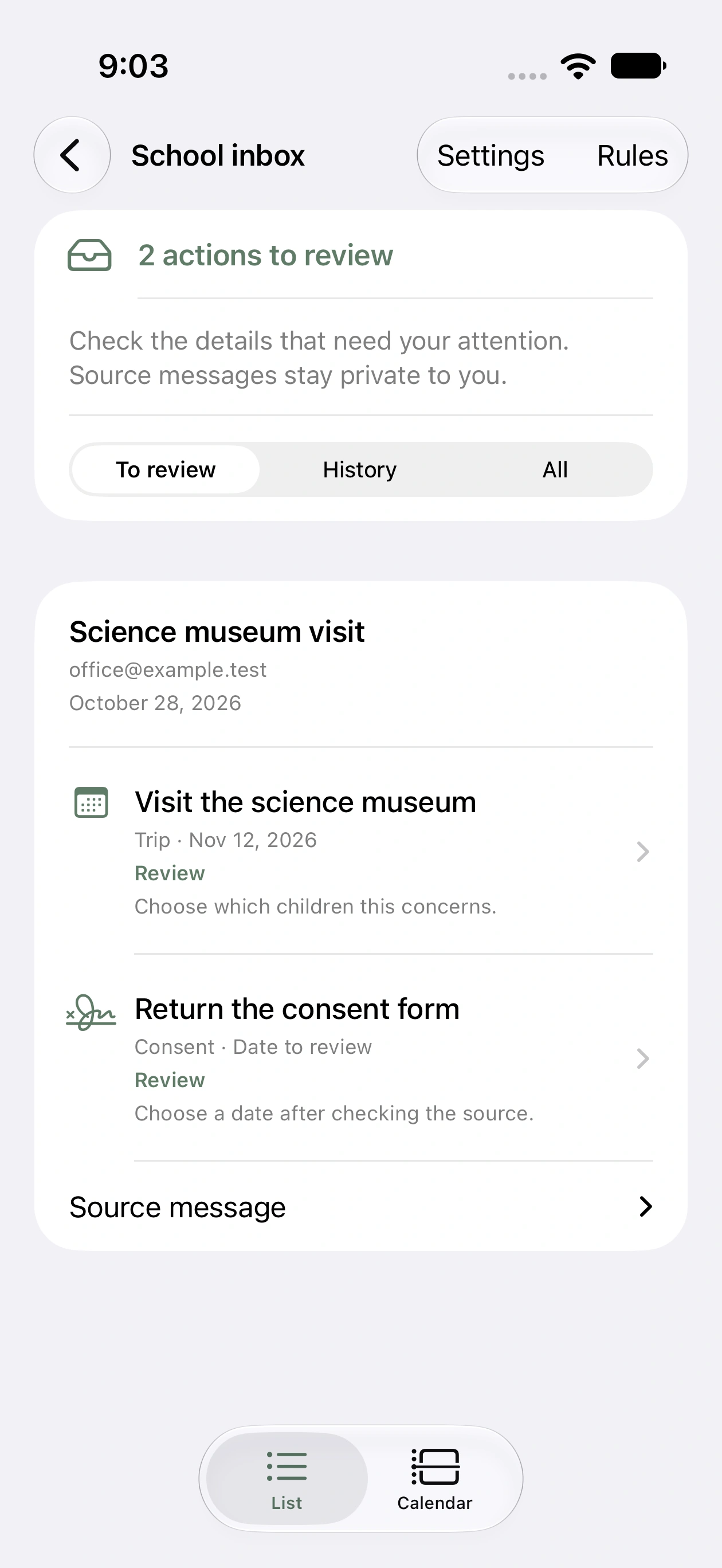
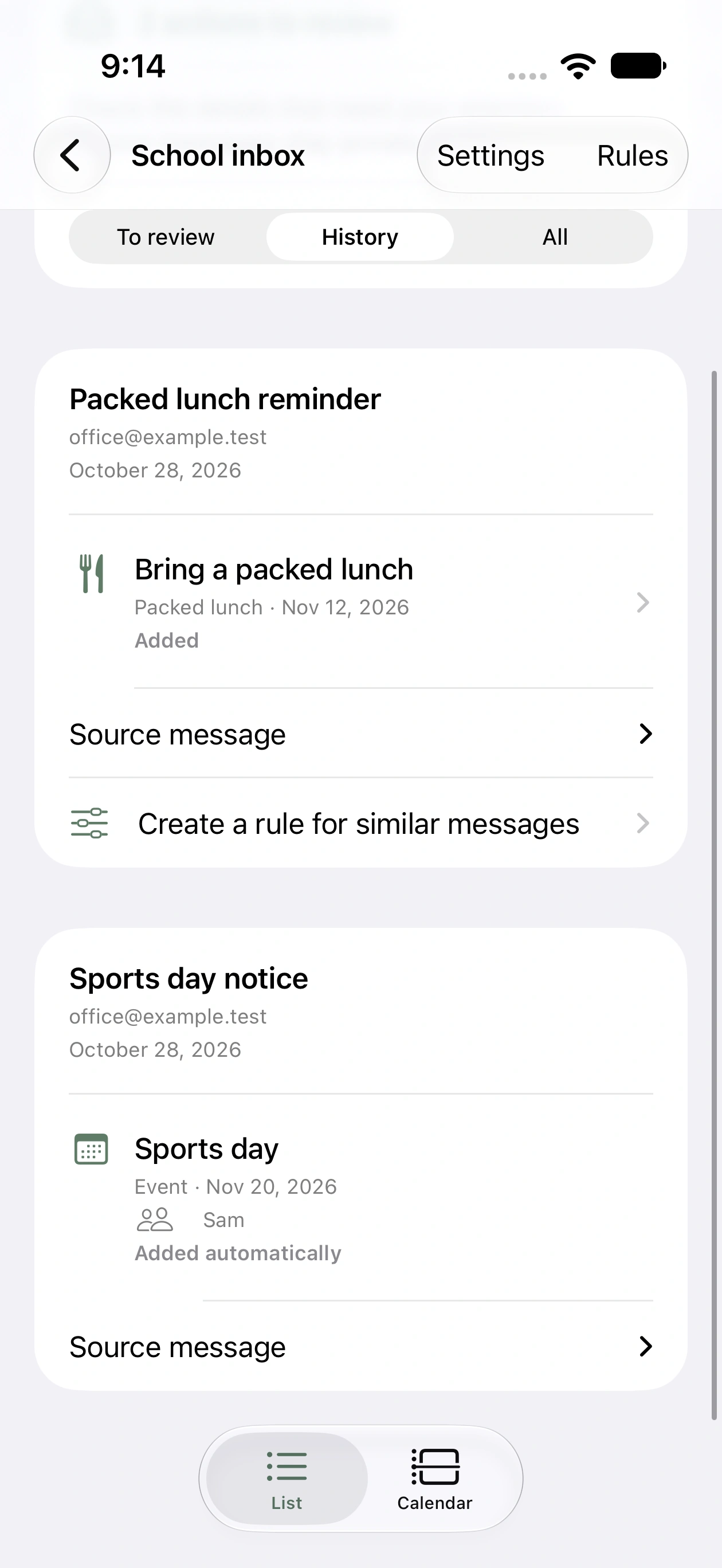
School email becomes tasks you can review
Schools send a lot of email, and the one date that matters is often in the fourth paragraph of a newsletter. taDone reads the mail and proposes the tasks and events. A parent decides what lands on the list.
Read at home
An hourly job on my own hardware reads the school mailbox. A local model pulls out dated tasks and events, PDF attachments included, so no school email goes to a hosted AI.
Review before it lands
Each suggestion leads with a short summary, the date and the child. Add it, edit it or dismiss it, with the original email one tap away.
Auto-add, when you choose
Auto-add is off until a parent turns it on. After that, dated items for a known child are added. Forms, payments, changes and possible duplicates stay in review.
Whose teacher is whose
A map from teacher and class to child decides who an item is for. Mail that matches nobody waits in review, and source messages stay private to the parent who received them.
The details a family leans on
Most tasks need a title and a day. The rest is there for the ones that cannot slip.
- Personal tasks stay private. Shared tasks carry a badge
- Urgent reminders can ring as alarms, with optional follow-up nudges
- Snooze from the notification for 15 minutes, an hour or until 9:00 tomorrow
- Location reminders fire on arrival or departure. Saved places never leave the phone
- Occasional tasks have no due date and are offered on lighter days
- Tasks added offline are saved on the phone and sync later
Built around the schedule
The schedule sets alerts, never access
Who a task concerns, who does it and who gets reminded are separate fields. The parenting schedule only answers the last one, so neither parent loses sight of a child's week.
Your server, your family's data
The backend runs in Docker with Postgres on a server you control. Each phone connects with a device token, and recovery codes cover a lost phone.
An API and an MCP server
The app talks to a documented API, and an MCP server offers the same actions to an assistant. Read-only calendar feeds sit beside tasks without becoming tasks.
One family first
taDone runs my own family's week today. A version other families could install is something I am considering. It needs sign-up and hosting that a one-family app does not.
Built with
A task list that knows whose week it is
taDone is in private beta and its repository is private. Get in touch about the project or interest in a public version.