SolScribe
Turn recordings into searchable transcripts, speaker-labeled conversations and meeting summaries. Find what was said without replaying the whole recording.
- My role
- Independent developer
- Status
- Available for self-hosting
Inside the app
Recording and transcript views with sample audio. Select an image to view it full size.
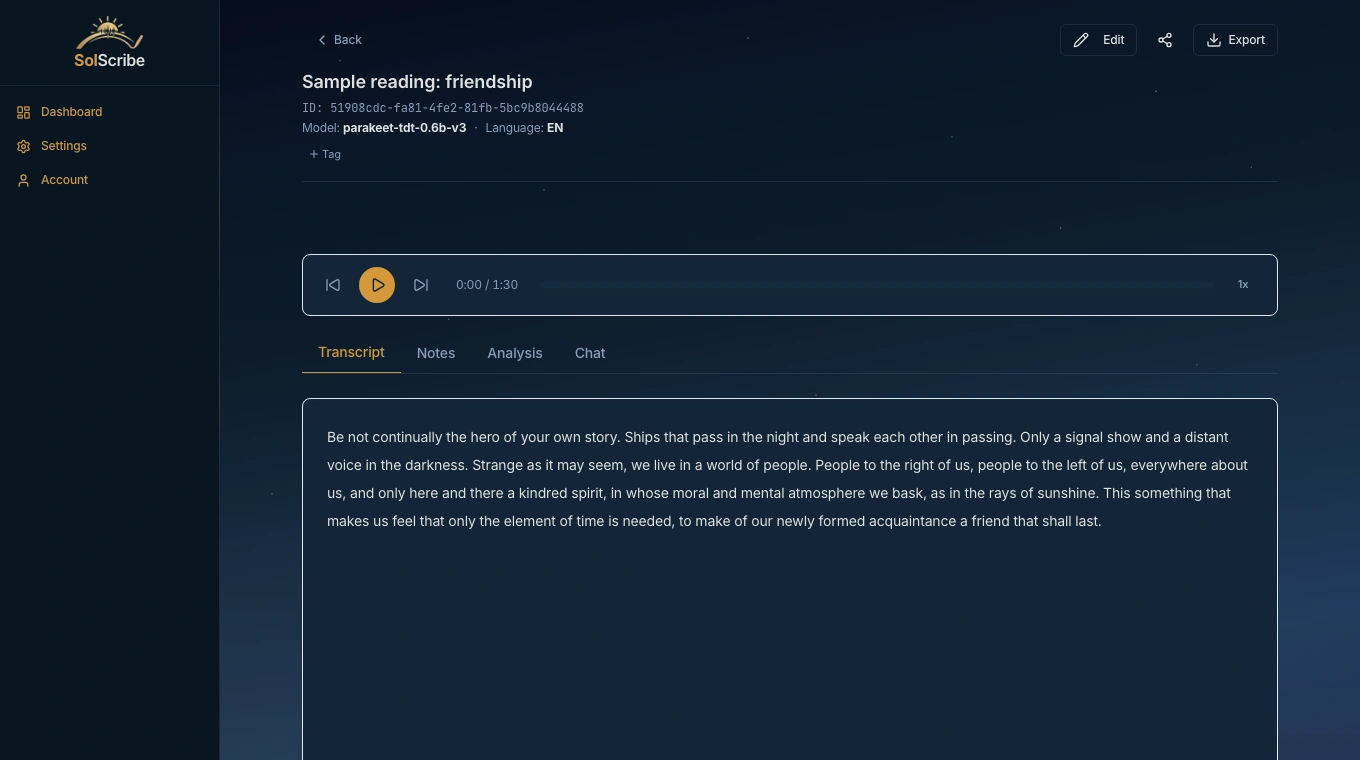
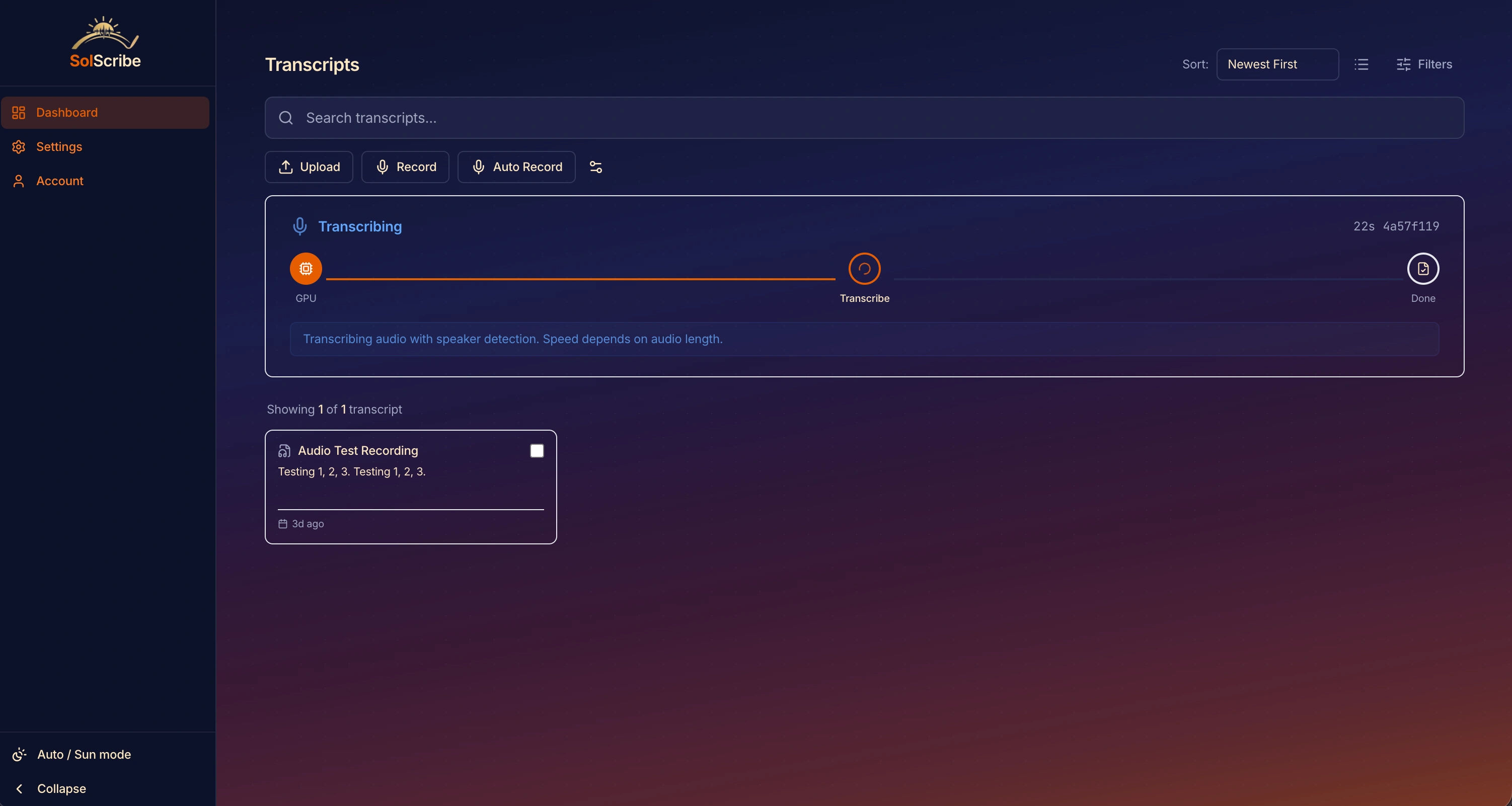
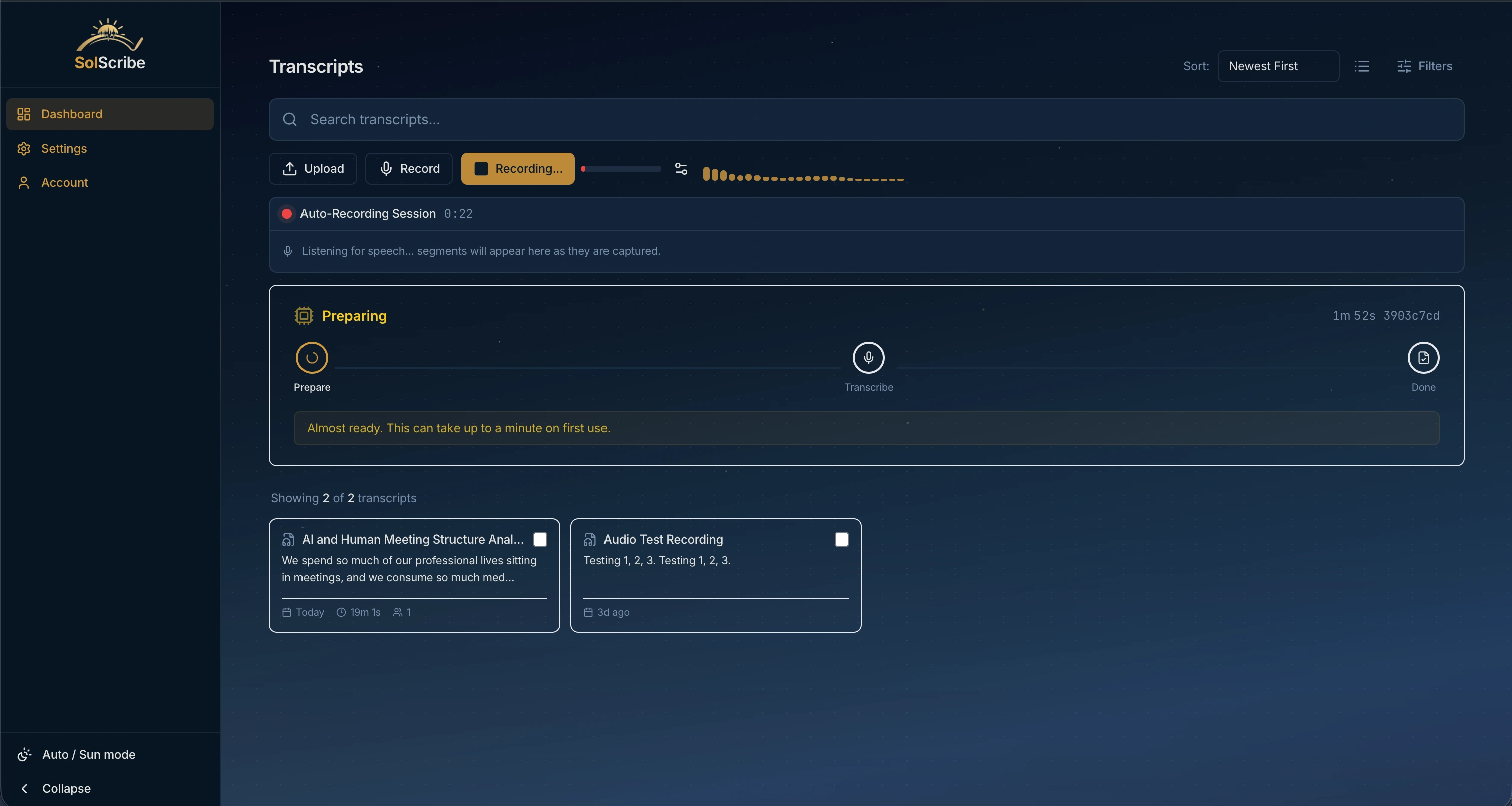
From recording to transcript and summary
Replacing a manual transcription pipeline
SolScribe started as a personal tool for transcribing meeting recordings on my homelab. I was running WhisperX in Docker and piping results through n8n workflows. The manual pipeline worked but was fragile, so I built a proper application around it.
Processing recordings
Go backend with GORM supporting SQLite for self-hosted installs and PostgreSQL for hosted deployments. React frontend with real-time progress via WebSocket. WhisperX handles transcription with CUDA acceleration, and PyAnnote provides speaker diarization. The entire stack runs in Docker containers.
Keeping background work recoverable
Chose Go over Node.js for the backend because of its native concurrency model, which is critical when managing GPU-bound transcription jobs. SQLite supports a single-machine install; PostgreSQL supports larger deployments. Durable jobs keep background work recoverable across restarts. Browser-based recording with MediaRecorder API for zero-install capture.
Summaries and transcript chat
Meeting summaries, key points and action items make a transcript easier to review. You can also ask questions about it in chat. These features send transcript text to the local or cloud model endpoint you configure through an OpenAI-compatible API.
Built with
See the Full Product
Visit the marketing site for features, pricing and documentation.