Selfward
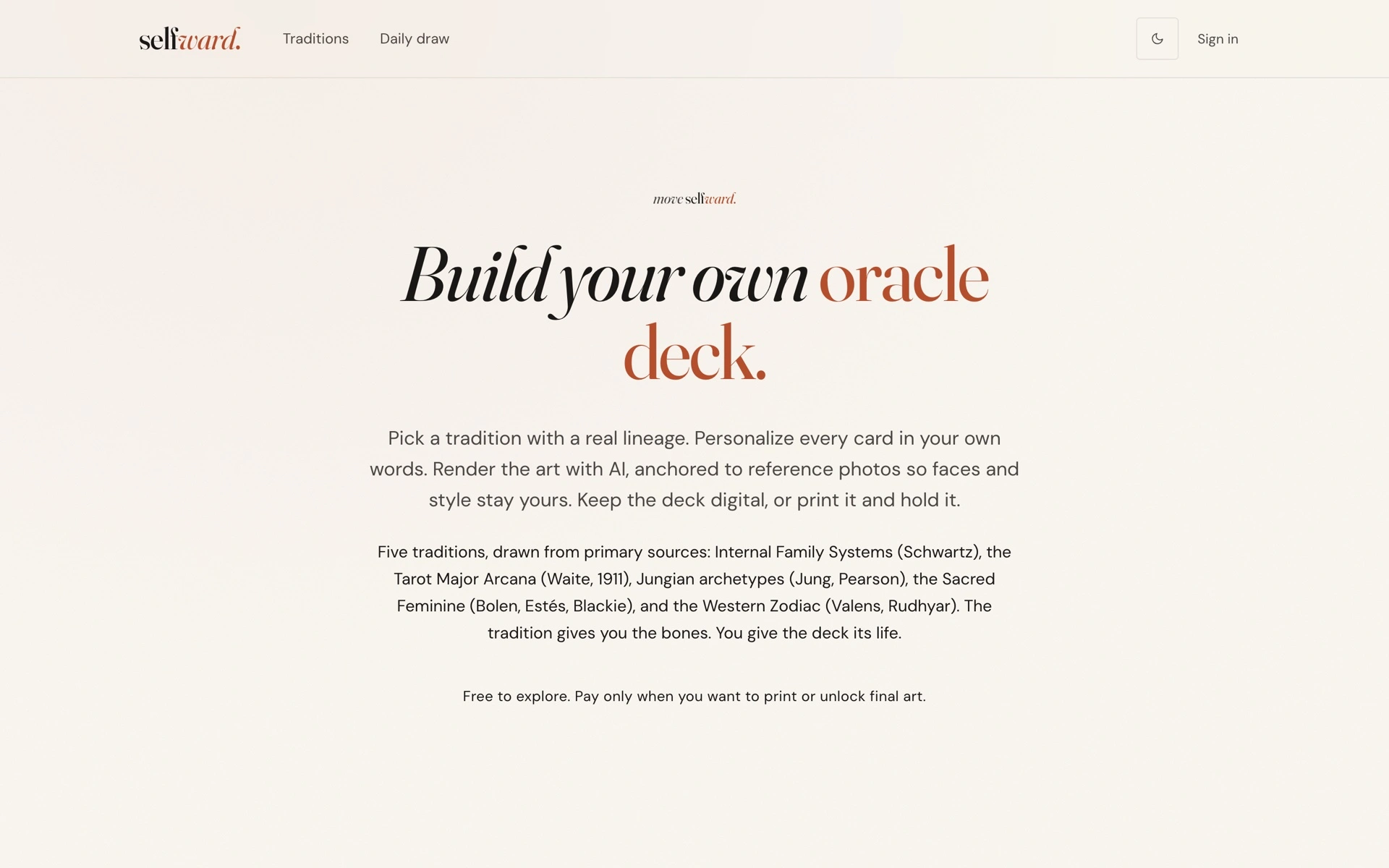
Selfward was a web app for turning your own words and generated art into a print-ready oracle deck. It started with a tradition's cards and let you write what each one meant to you.
- My role
- Independent developer
- Built
- April to September 2026
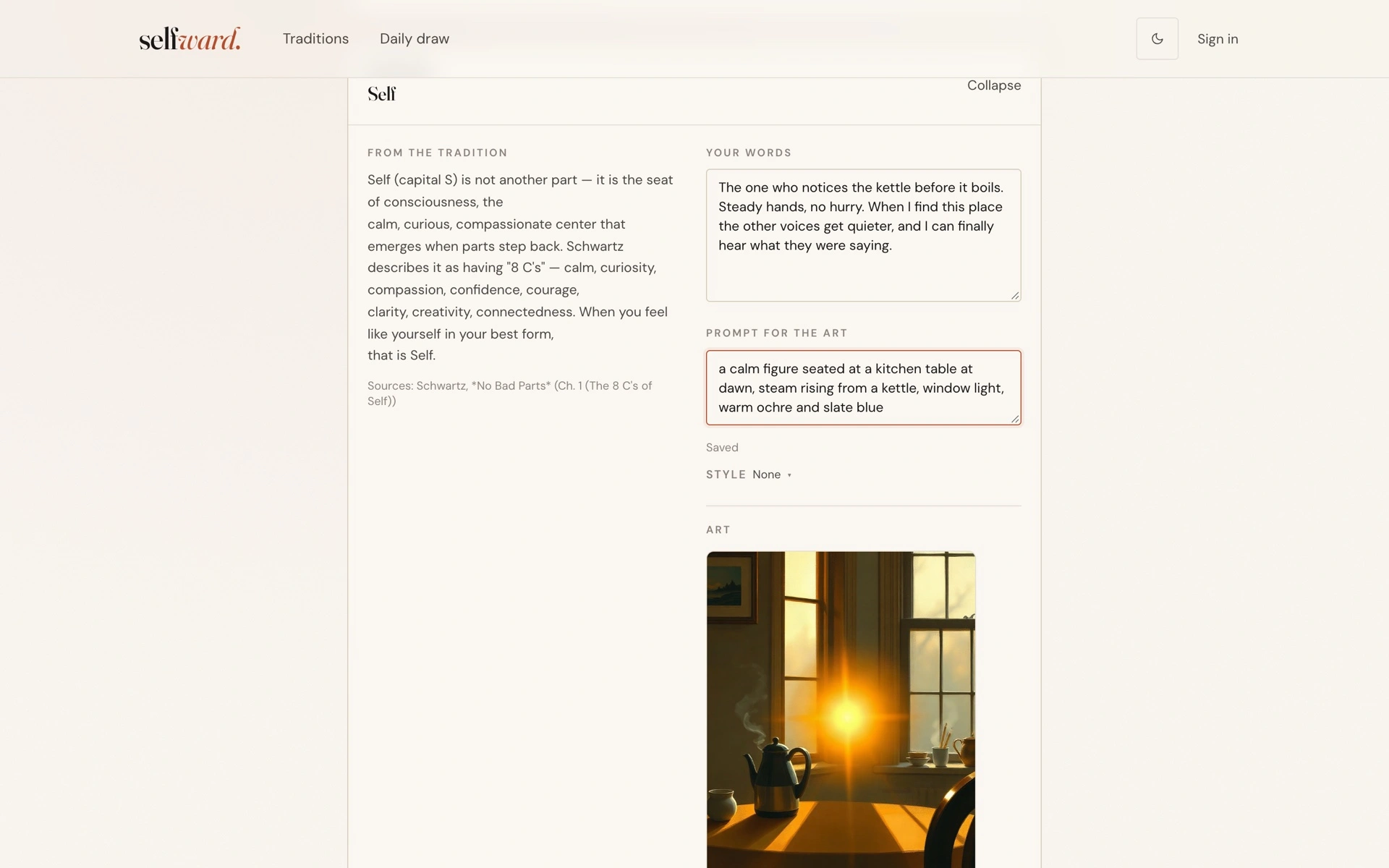
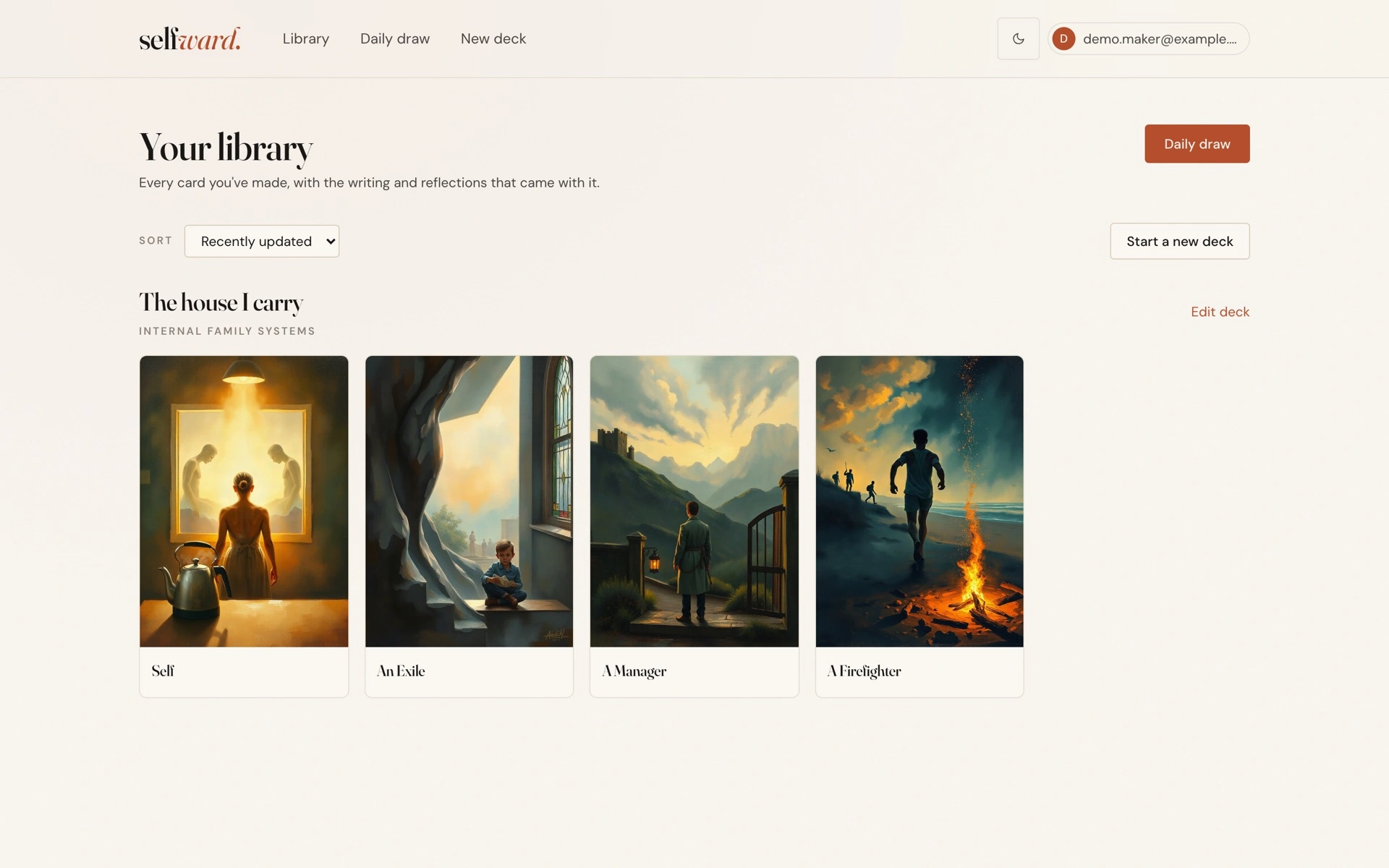
The editor showed the tradition's description beside your own writing. You could generate an illustration for each card, keep the deck for daily draws or buy a print-ready bundle. Selfward ran at selfward.cards for five months.
Inside the app
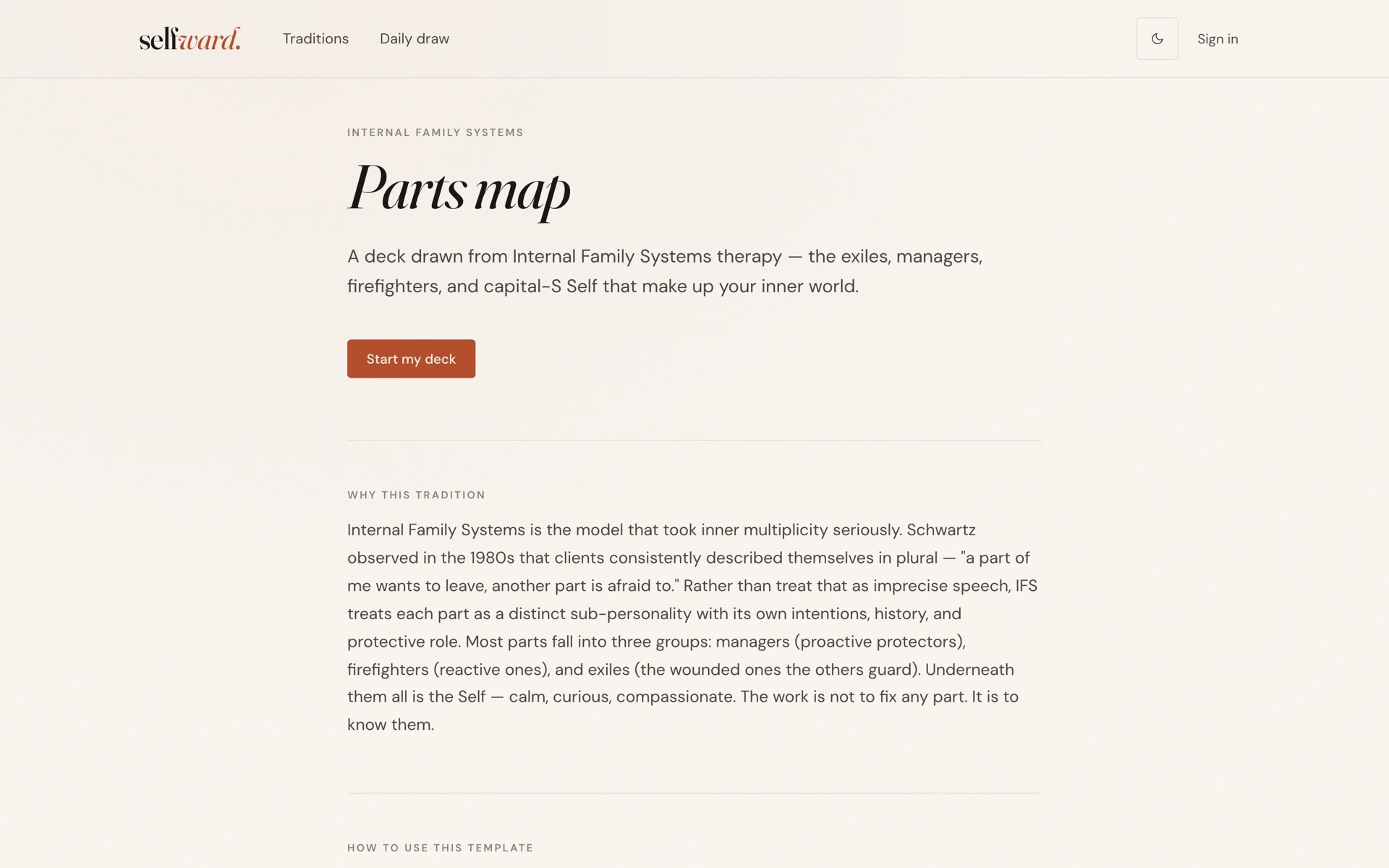
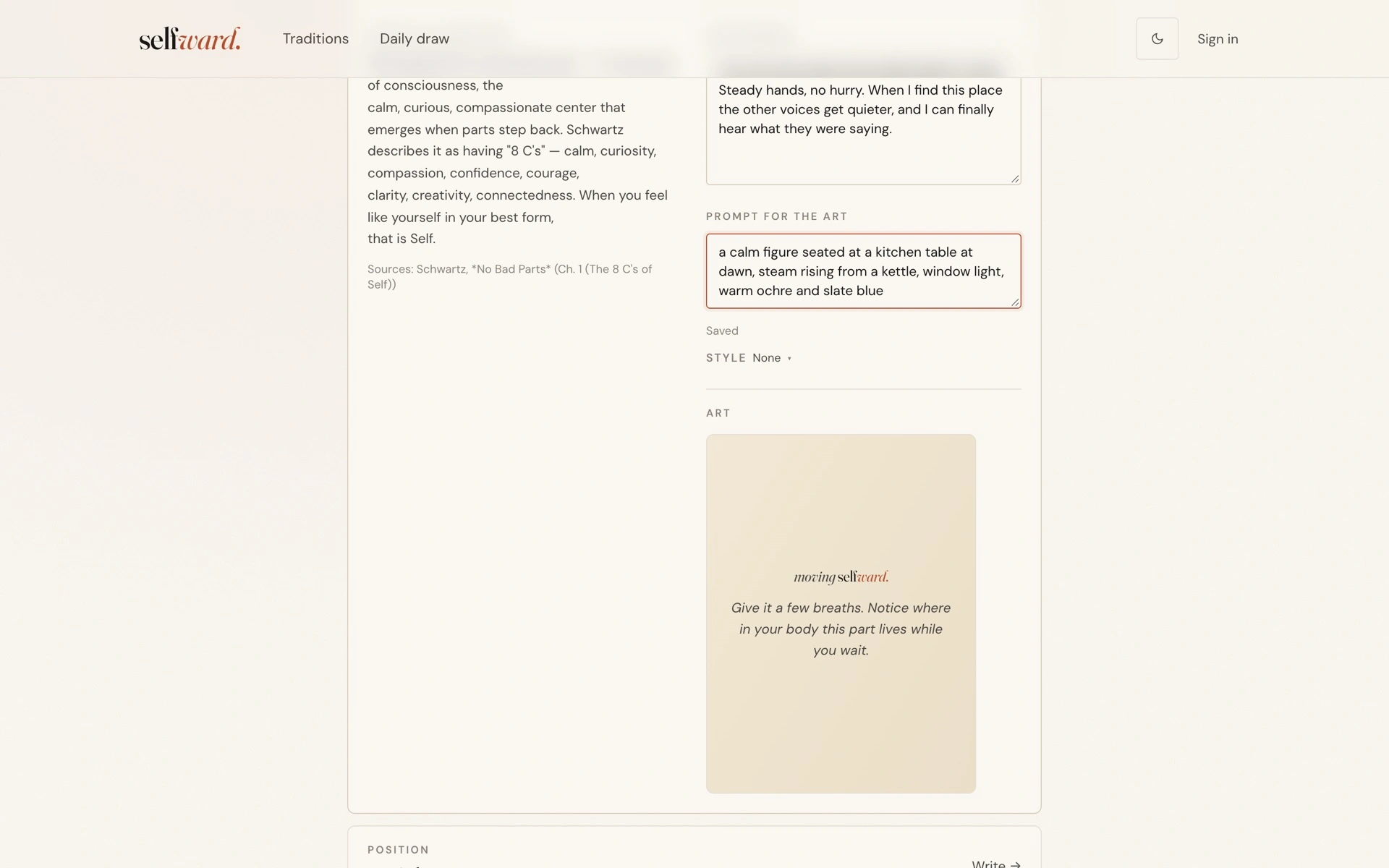
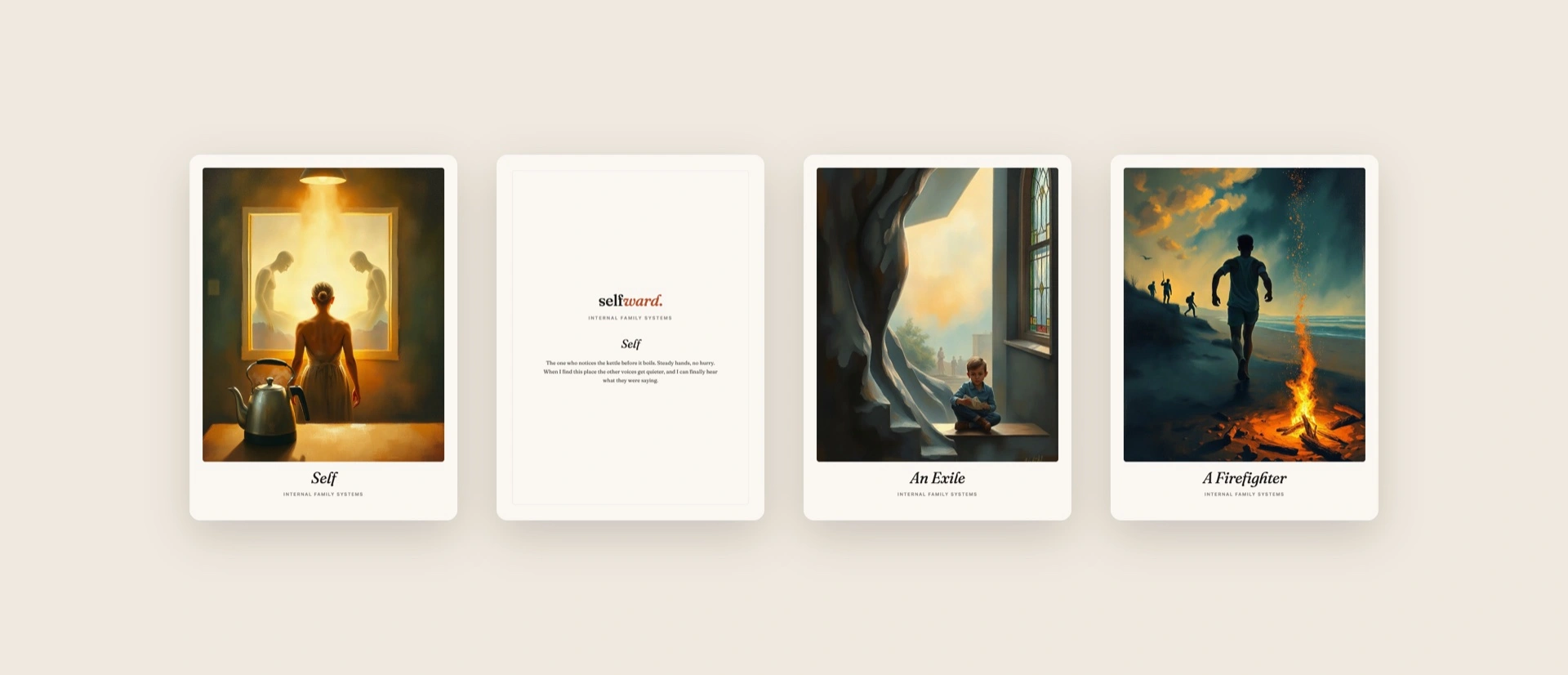
A local copy of the final build with an invented demo deck. The art was rendered live for these screenshots. Select an image to view it full size.
From tradition to printed deck
- 01
Pick a tradition
A template sets the cards and their order. Internal Family Systems went live. Tarot, Jungian archetypes, zodiac and a Sacred Feminine set were drafted.
- 02
Write every card
Each card shows what the tradition says beside a blank field for what it means to you. It autosaves as you type.
- 03
Render the art
A prompt and an optional style preset go to Flux, and the image comes back in a few seconds. Regenerate as often as you like.
- 04
Keep it or print it
Draw a card a day and journal against it, or pay once for a print-ready bundle to send to any print-on-demand shop.
How it was designed and built
Designed like a book
A single design document set the direction: Fraunces for display, DM Sans for body, warm ivory paper, deep ink and one terracotta accent. The only animation is a slow six-second drift while art renders. It installs as a PWA and has a dark mode.
Traditions as content
Each tradition is a versioned YAML file holding its cards, their meanings, an introduction and the sources it draws on. A seed script loads them into Postgres, alongside fifteen art style presets that can sit on top of any prompt.
The app
I built Selfward alone across 168 commits. Next.js 15 on the App Router in strict TypeScript, with Drizzle over Supabase Postgres. A deck starts under an anonymous session cookie, so there's no sign-up before the first card. A magic link later claims the deck for an account. Every card autosaves half a second after you stop typing.
Private by default
The words you write never go to a model. Only the art prompt does. Optional likeness photos sit under a private prefix in R2, row-level security limits them to the deck's owner, and they reach the image model only as short-lived signed URLs.
Rendering the art
Prompts go to Flux schnell on fal.ai, which returns an image in a few seconds for about a third of a cent. Each render is stored in Cloudflare R2 under its own ID, with its seed and cost recorded, and served back through signed URLs.
The print pipeline
A $30 Stripe payment queues an order. Every minute a cron job composes up to five bundles with headless Chrome: a PDF per card at poker size with 3 mm bleed, a card back and a guidebook. Each bundle is zipped, stored in R2 and emailed through Resend. Stored event IDs keep a retried webhook from queuing an order twice.
Built with
Selfward is retired
The code is archived and the domain is lapsing. The rest of what I build is still running.