Mealdrop
Mealdrop plans the week's dinners from your recipe library, around your calendar and meal preferences. Each scheduled weekly run emails the plan and adds the groceries to your Kroger cart, ready for you to review and schedule for delivery.
- My role
- Independent developer
- Status
- Self-hosted app · private repository · hosted version planned
I built Mealdrop to handle the weekly routine of choosing dinners and getting the groceries ready. Once the recipe library, calendar and household preferences are connected, the scheduled run picks meals that fit the week and avoids recent repeats. The plan arrives by email, with ingredients and cooking directions for whoever is cooking.
Inside the app
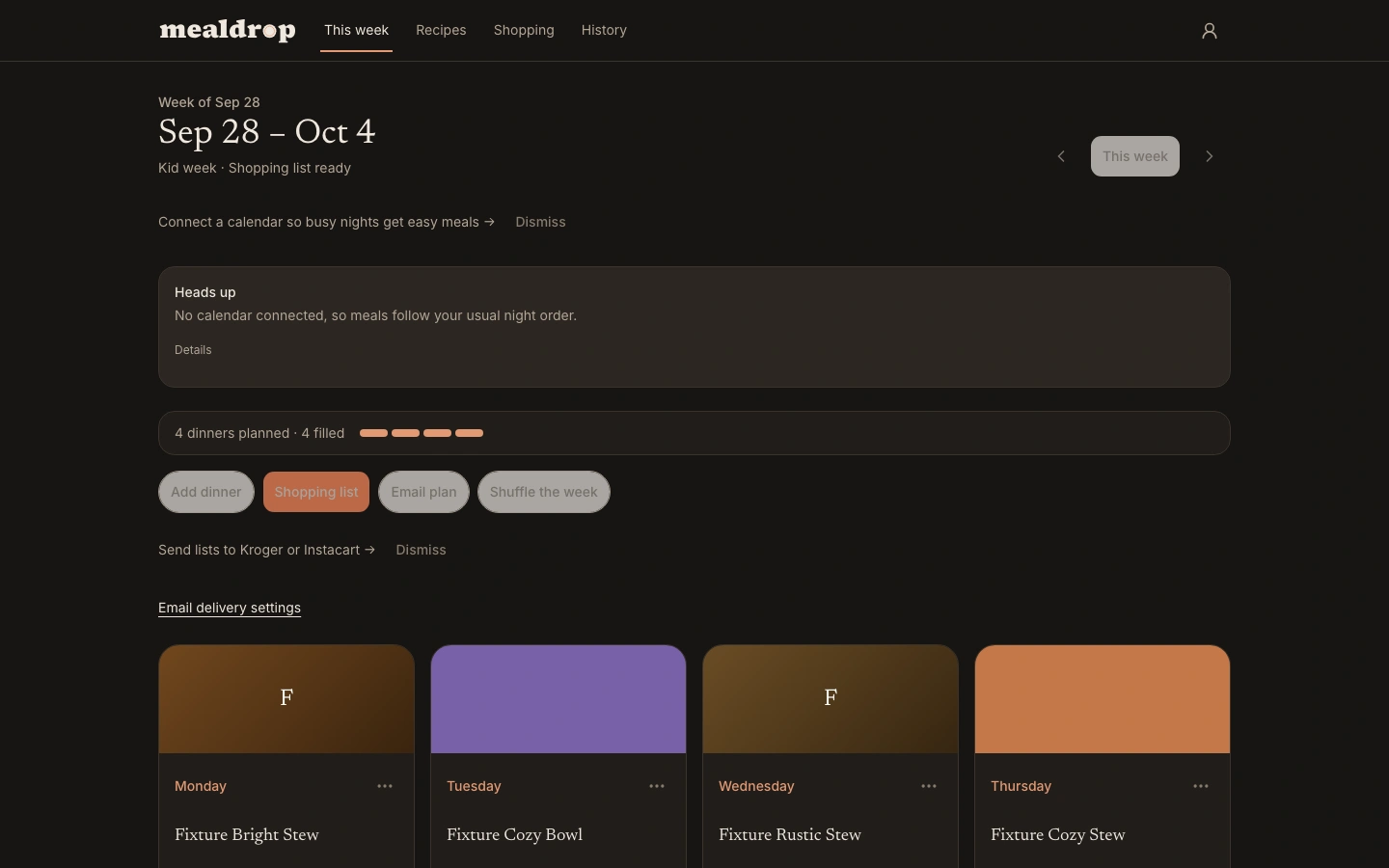
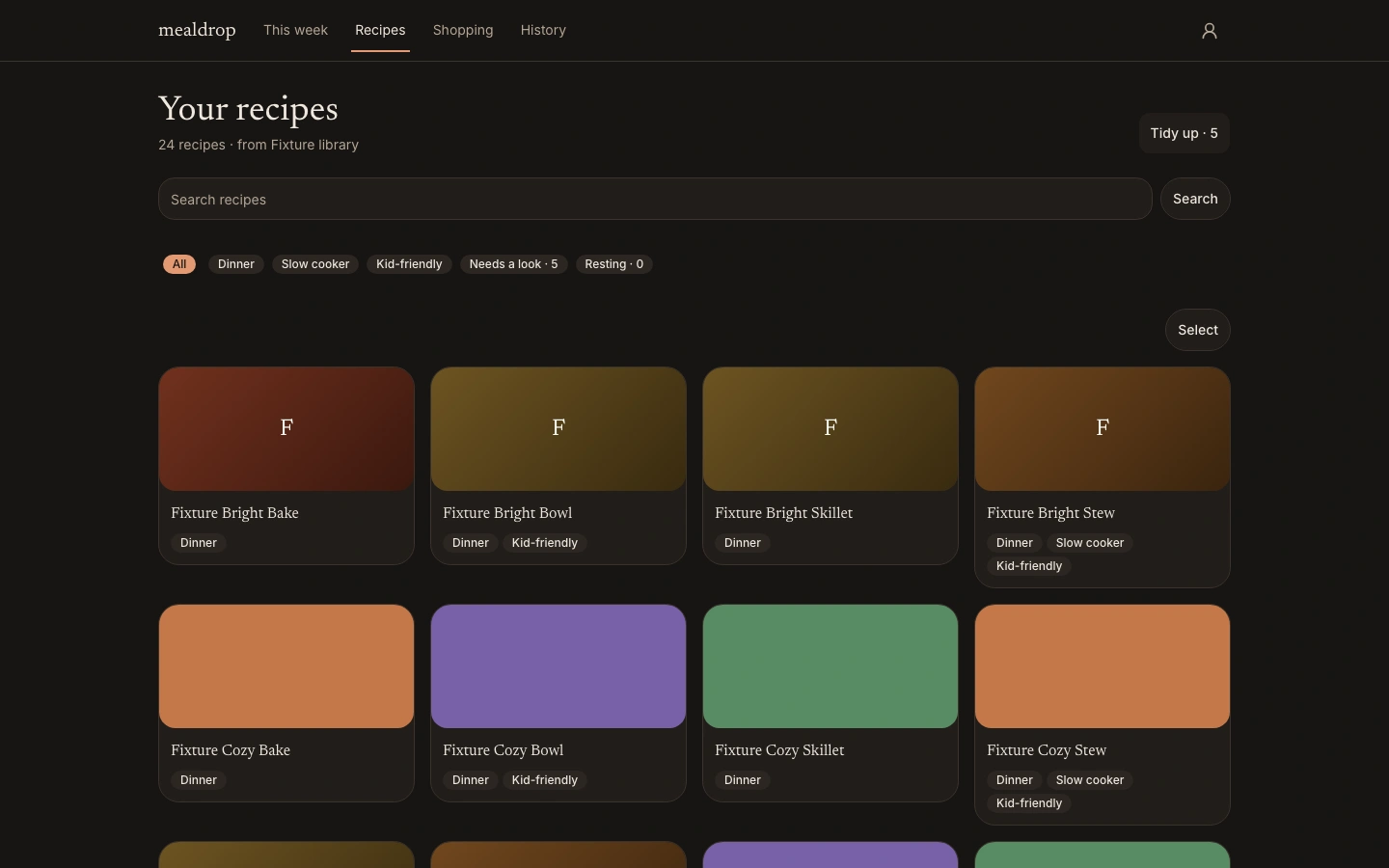
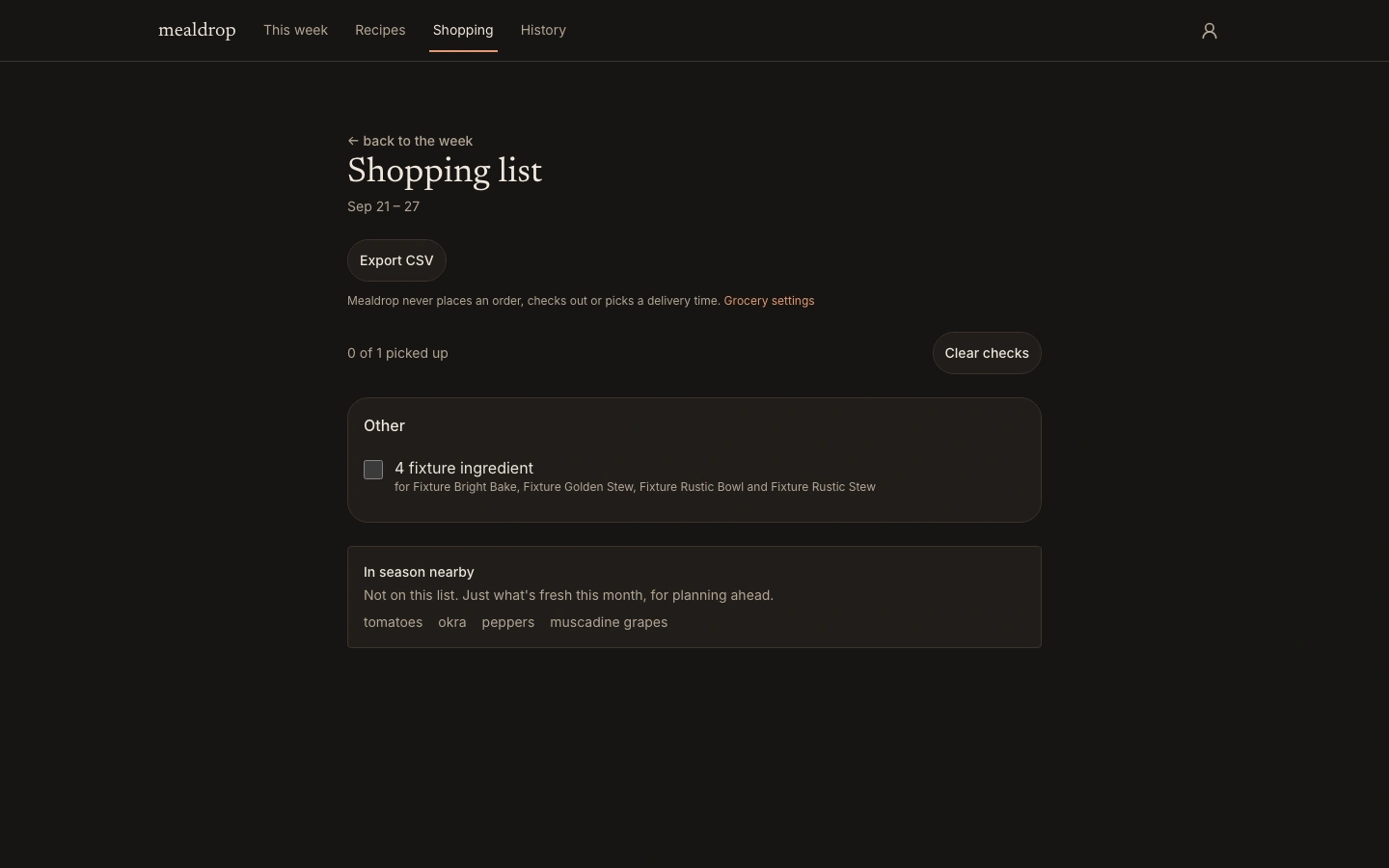
Demo screens from Mealdrop's test household, with invented recipe names and placeholder ingredients. Select an image to view it full size.
The weekly routine
- 01
Connect the household
Bring your recipe library, connect a calendar feed and set meal preferences. Configure the weekly schedule, email delivery and Kroger connection.
- 02
Let the week plan itself
The scheduled run chooses dinners around busy nights, servings and household tags. A recurring or alternating pattern shapes the week, with recent meals given a rest.
- 03
Receive the plan and cart
The run emails the weekly plan and cooking information and adds the grocery ingredients to the configured Kroger cart. Pantry staples stay off the shopping list.
- 04
Review and check out
Review the cart, check out and choose delivery with Kroger. Open a planned dinner in Cook for its ingredients and steps at that week's serving target.
Connections, exceptions and checkout
Scheduled email and Kroger cart delivery need configuration. A small recipe library cannot always meet every preference, so the plan calls out exceptions and leaves the final choices with you.
- A recipe repeated before its usual window is called out in the plan
- Changes to one week's dinner count leave the recurring pattern alone
- Undo restores the previous plan without repeating a delivery
- Serving quantities that need checking are marked
- Manual “Email plan” sends the saved week without adding groceries to a cart
- Grocery connections stop at cart add or list creation. You handle ordering, checkout and delivery-slot selection
Built around the household
A pattern, then exceptions
The recurring week carries the routine. A week away, an extra dinner or a last-minute swap changes that week's plan without rewriting the household's defaults.
Your server, your library
The app runs in Docker with SQLite storage. You own the container, databases and data folder. Import a JSON or CSV library, or save links from sites that publish structured recipe data. Mealdrop keeps a searchable copy.
Email, grocery carts and exports
The scheduled run can email the plan and send the shopping list to CSV, a Kroger cart or an Instacart list with the relevant connections configured. Calendar feeds inform meal choices without putting personal calendar details in the cooking information.
Self-hosting comes first
The app is built for self-hosting. A hosted version is planned. The code uses FSL-1.1-ALv2: each release becomes Apache 2.0 after two years.
Built with
A dinner plan that fits your week
Mealdrop's repository is private. Get in touch about the project or interest in the planned hosted version.